How Collecurate works




For an occasion: gather original photographs, curate your selection and keep the collection record.
Collecting as you travel? See how Roam works.
Collect
Collect the originals
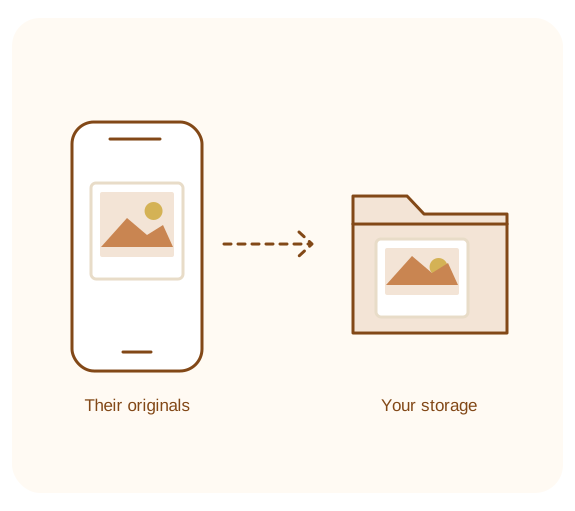
Connect your own Google Drive, Dropbox or OneDrive. Send contributors a link or QR code. They upload without an account, and the original photographs arrive in your storage. The link lets them contribute; it does not let them browse your photographs or your storage.
Curate
Give the photographs an order
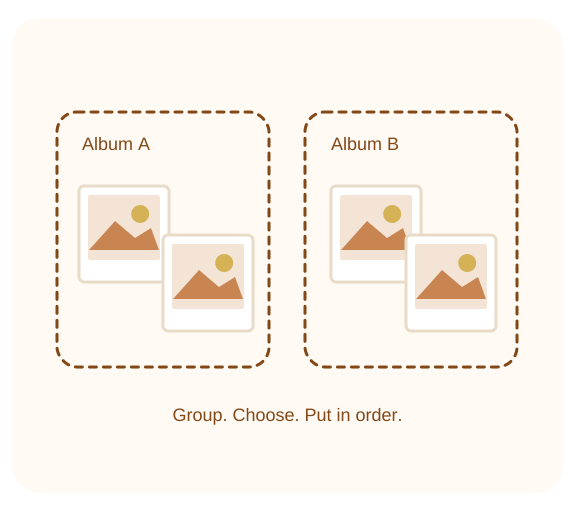
Review, attribute and organise the photographs, on your own or with co-curators you invite. Group your selections into Albums and put them in order. Albums are groupings: no photographs are copied and no folders are made during curation.
Commemorate
Keep the collection, and its story
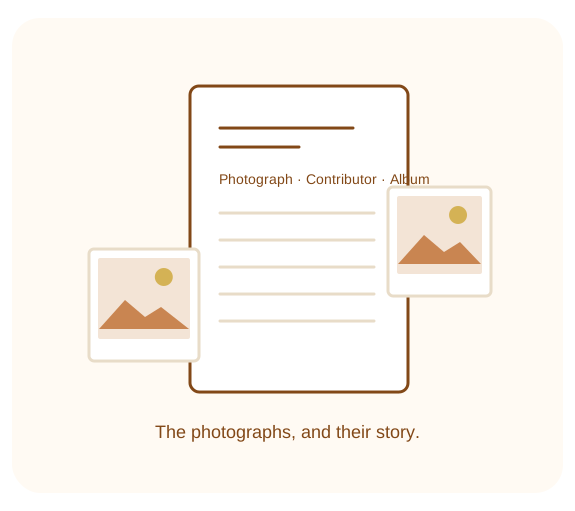
Finish with a readable collection record alongside the originals in your storage: the photographs, their Albums and order, who contributed, and captions. Keep the story as well as the photographs. Ordered Album folders are an optional next step.
Questions people ask
Can contributors see my storage or the collection?
What happens to my photographs if I stop using Collecurate?
Can I use the same account for Collecurate and Roam?
Is an Album a folder?
What should I know before asking for Album folders?
Can I download a ZIP file?
What are you collecting photographs for?
Gather photos from your guests, family or travelling companions. Start with your occasion or trip.